
imprint.
A FIELD GUIDE TO PRINT & DESIGN

Good ideas leave an imprint.

From the first pixel to the final sheet. A clear, useful place to get to know the language of print.

Explore the index ↗
TYPE. COLOR. PAPER. POSSIBILITY.imprint.wiki
Graphic poster with a large letter i, print registration marks and color swatches
GET TO KNOW YOUR PRINT.Bleed ↗CMYK ↗RGB ↗Vector ↗
01 / THE INDEX

A few words.
A clearer picture.

A starter glossary for the things
between an idea and a printed page.

BBleedThe artwork that extends beyond the cut edge.LAYOUT

Carry edge-to-edge backgrounds into this extra area so small shifts during trimming do not reveal a white border. Ask your print provider how much bleed the specific job needs; there is no single setting for every production process.

Read the source: Adobe ↗
CCMYKA color model for cyan, magenta, yellow and black process inks.COLOR

CMYK describes color using ink rather than emitted light. The result depends on the printing conditions, including paper, ink and color profile. Ask the print provider which profile and file settings to use before converting your artwork.

Read the source: Adobe ↗
RRasterAn image built from a grid of pixels.IMAGE

Photographs are commonly raster images. Enlarging one spreads a fixed number of pixels over a larger area, which can make its pixel structure visible. Check the image at the size it will actually be used, rather than judging it only by its file extension.

Read the source: Adobe ↗
RRGBA color model built from red, green and blue light.COLOR

RGB is used for screen imagery. Some colors you see on a display cannot be reproduced with standard process inks, so screen appearance is not a promise of printed color. Confirm the intended output and conversion workflow with your print provider.

Read the source: Adobe ↗
TTrim marksGuides that indicate where a printed sheet should be cut.LAYOUT

These marks identify the intended finished edge. They are different from bleed, which is artwork extending beyond that edge. Follow your print provider’s instructions for whether marks should be included and how the artwork should be supplied.

Read the source: Adobe ↗
VVectorArtwork described by mathematical shapes, lines and curves.IMAGE

Vector shapes can be enlarged without exposing a fixed pixel grid. This makes them useful for logos and illustrations that appear at many sizes. A design can combine vector shapes with raster photographs, so inspect all of its parts before export.

Read the source: Adobe ↗
02 / FIELD NOTES

From screen
to something tangible.

Two useful ideas to take
into your next project.

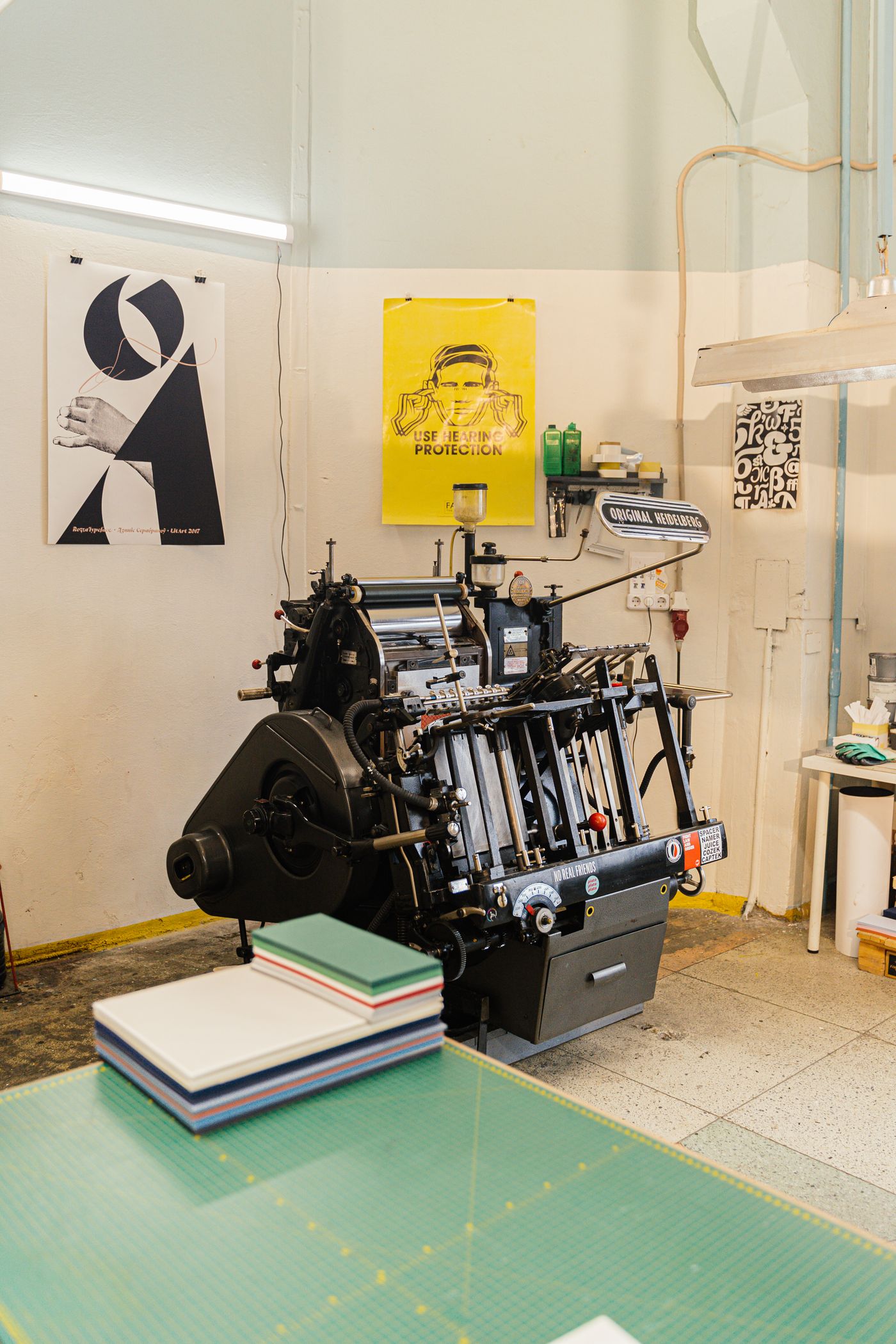
A printing press and posters in a design studioILLUSTRATIVE STUDIO PHOTOGRAPH
NOTE 01 / LAYOUT

The edge is part of the design.

Bleed and trim marks describe different things. One extends the artwork; the other indicates the cut. Understand both before preparing an edge-to-edge layout.

Understand bleed ↗
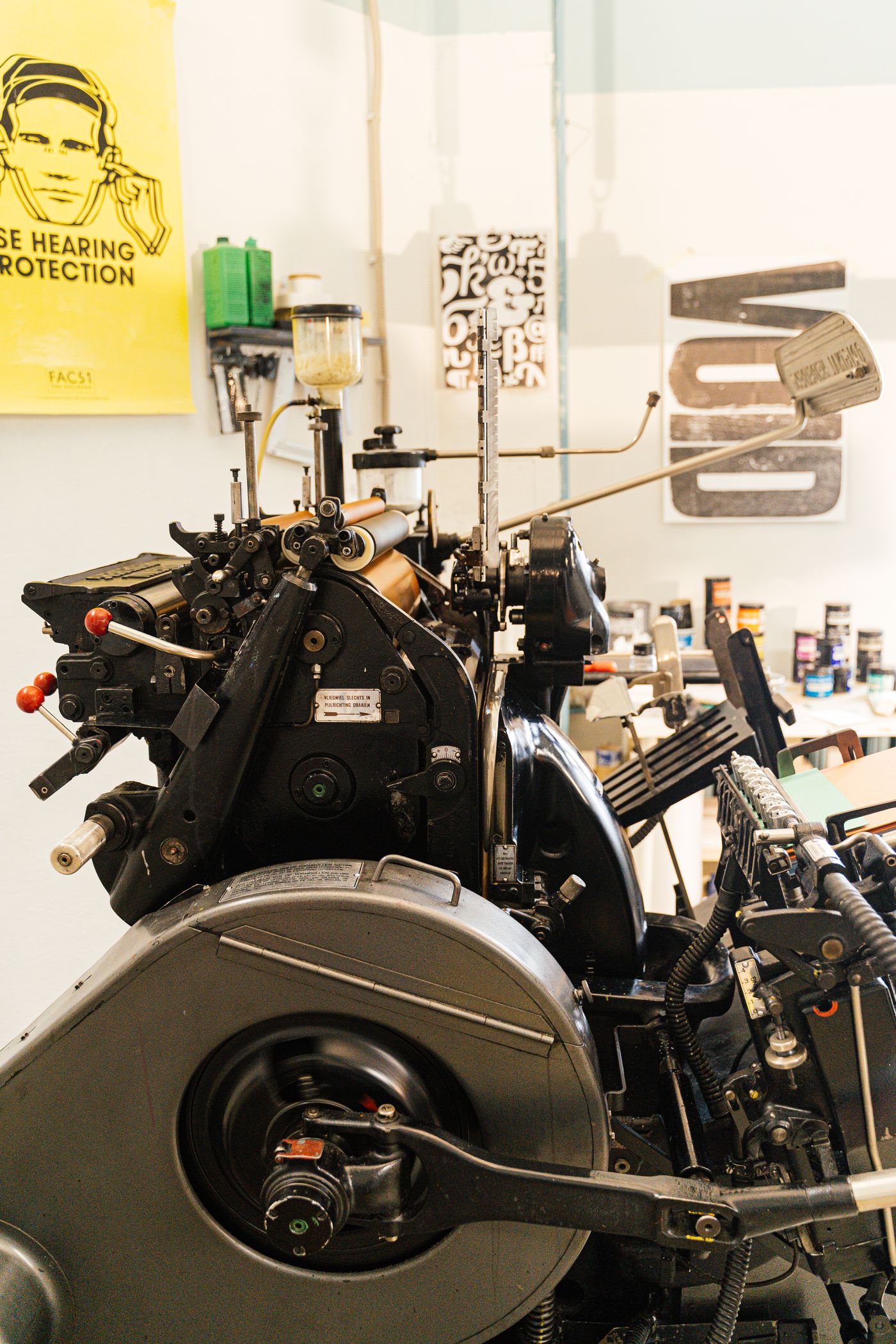
Detail of traditional printing machineryILLUSTRATIVE STUDIO PHOTOGRAPH
NOTE 02 / COLOR

A screen is not a sheet of paper.

Light and ink reproduce color in different ways. Ask about the intended output and color profile before treating a screen preview as a print promise.

Get to know CMYK ↗
03 / BEFORE YOU PRINT

A little check
goes a long way.

A simple reminder list before you send a file. Your print provider’s specifications take priority.

0 of 5 checked

Your checks are remembered in this browser.

ABOUT imprint.

Made for curious minds.

IMPRINT is a small reference for people who make things. Start with the basics, follow the sources, and take a little more confidence into your next print project.

An independent introductory guide. References link to their respective publishers.